Student Services
Online exams and e-certificate lookup. Scan with WeChat or tap the button below to enter the system.
Online Exam
After logging in, students enter the theory exam for the relevant subject. Verify with your name and ID number; the exam opens per the current schedule.
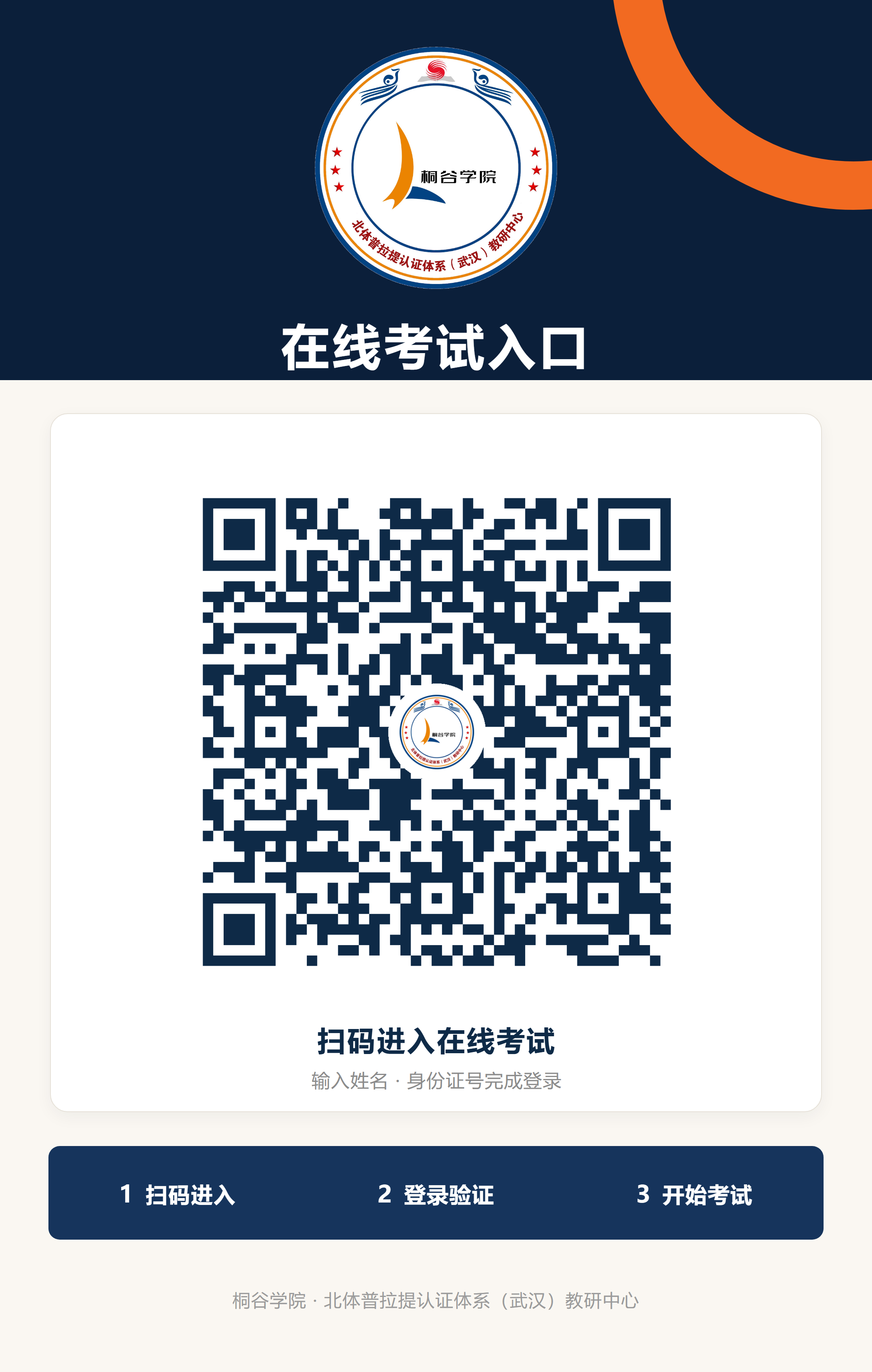
- 1Scan or tap to enter
- 2Enter your name / ID number
- 3Start answering
E-Certificate Lookup
Verify with your name, ID number and phone number, then view and download your e-certificates. Issuance status is authoritative.
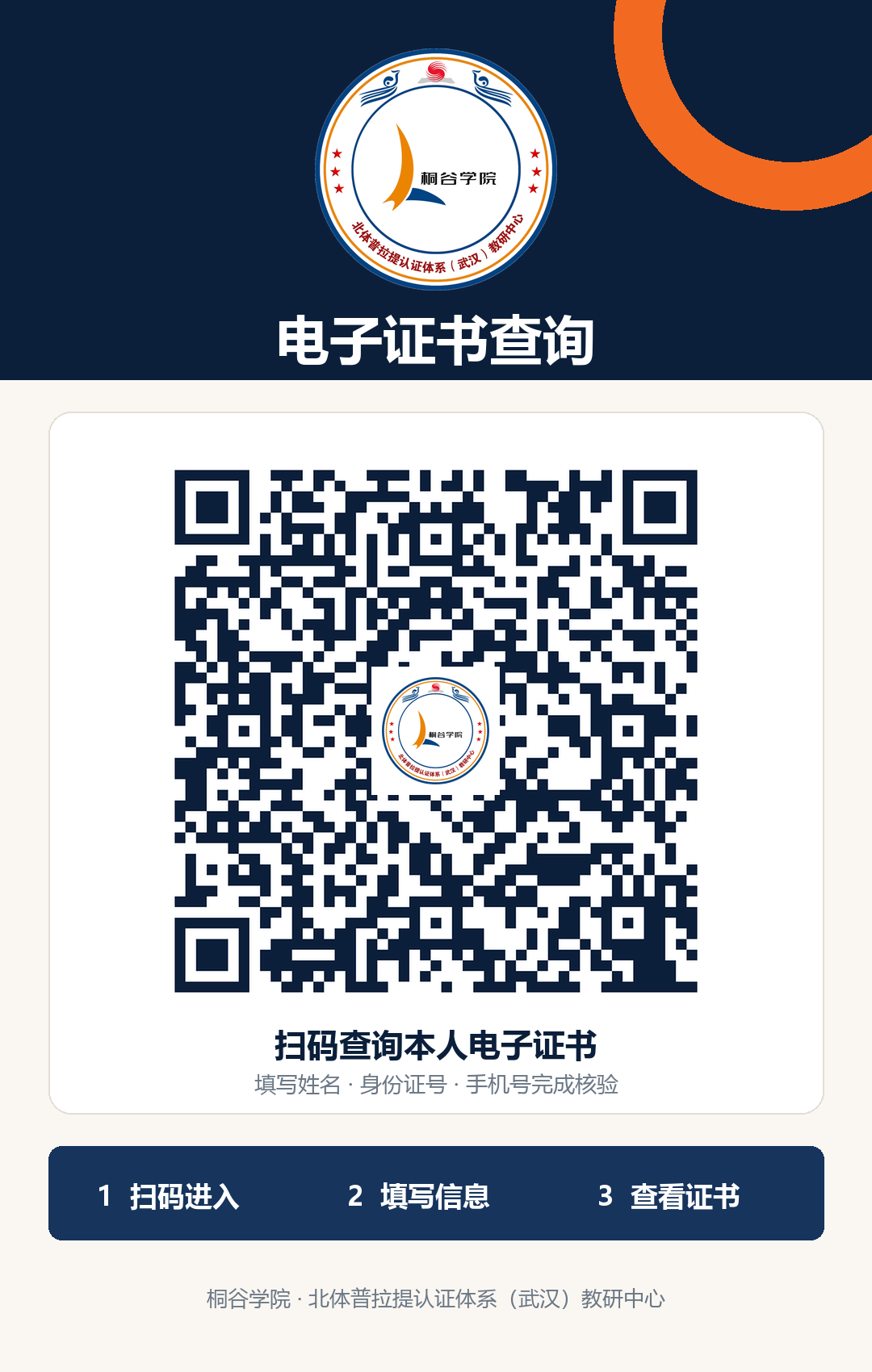
- 1Scan or tap to enter
- 2Fill in name / ID / phone number
- 3View and download certificates
Certificate Samples
All samples below are blank templates with a watermark, containing no student personal information. They cover the SUB Foundation System and BSU Excellence certifications; actual certificates are issued after passing the assessments.
All-Round Program · SUB Foundation System Certifications
Sample certifications issued after passing the Zero-to-Coach Pilates All-Round Employment Program
Intensive Program · SUB Foundation System Certifications
Sample certifications issued after passing the Practicing Coach Sports Rehabilitation Intensive Program
BSU Excellence · Certification Samples
Blank sample certificates issued by the BSU Excellence Training Center (prenatal coach / Pilates coach / Reformer completion)
* Samples show the certificate design and certification direction only. Number, name and date fields are blank; official certificates are generated by the issuing body according to assessment results.
Want to join Tonggu Academy?
Instructor and admissions recruitment lives in its own section — see the roles, the joining process, and register online.